01 / FOUNDATION
Set up your workspace
Claude Code install, clean folder structure, Node.js, FFmpeg, Whisper and Remotion setup.
STEP 1–3
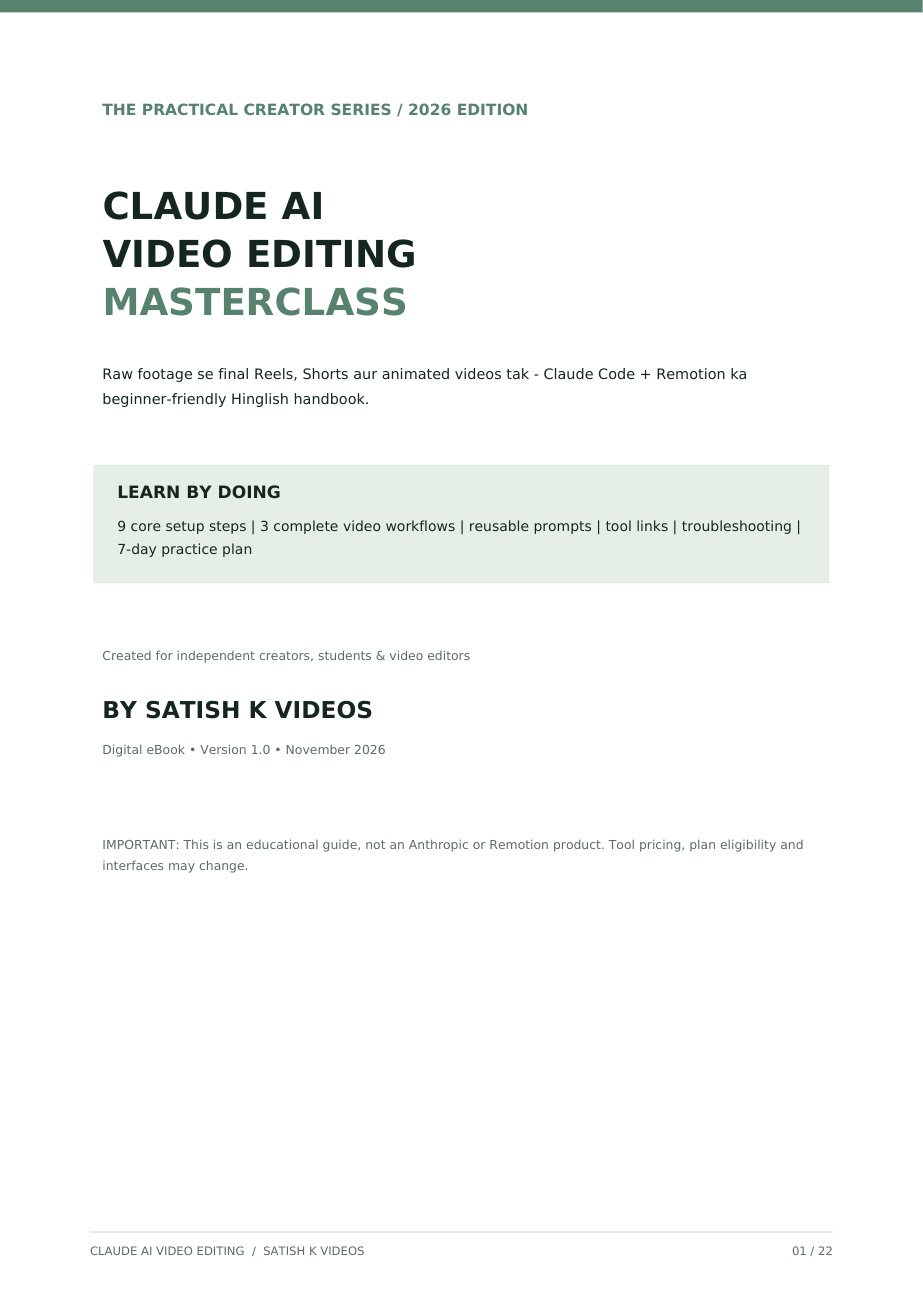
Claude Code, Remotion aur editing tools ko ek workflow mein use karna seekho — taaki aap Reels, Shorts aur animated videos banana step by step samajh sako.
Random tutorials dekhna easy hai. Lekin tools install karna, footage organize karna, captions sync karna aur final video export karna — ye sab ek process maangta hai.
Claude Code, FFmpeg, Whisper, Remotion — kis tool ka kya role hai?
Sirf prompt likhne se output nahi milta. Setup, code, preview aur fixes bhi chahiye.
Dead air, captions, styles aur renders ko ek repeatable checklist se handle karo.
Follow the 9 core steps in order. Then make your first project with the ready-to-adapt prompts.
Claude Code install, clean folder structure, Node.js, FFmpeg, Whisper and Remotion setup.
Understand Claude skills, save brand instructions, build reference styles and review permissions.
Talking-head Reels, voice-led animation videos and documentary-style vertical edits.
Captions, frame checks, final rendering, troubleshooting and reusable project memory.
Examples that cover the kind of videos creators actually need to publish.
Remove pauses, line up captions, then add key-word zooms and text moments.
Turn a script and voice track into a timed, animated vertical reel.
Structure story beats, scenes and typography for documentary-style edits.
The eBook gives you prompt structures for different tasks. Here's a sample of the kind of instruction you'll learn to adapt.
Raw Footage folder se meri talking-head clip lo.
Dead air aur retakes identify karo; edits pehle
review ke liye propose karo. Word-level caption
timings generate karke Remotion me clean 9:16
reel banao. Brand colors use karo, captions
safe area me rakho, preview frames check karo.
Final render 1080x1920, 30 fps Export me do.
Creators & YouTubers
Who want to explore code-assisted editing for Shorts and Reels.
Students & beginners
Who want a guided starting point instead of scattered tutorials.
Freelance video editors
Who want to experiment with prompts, motion graphics and repeatable workflows.
One focused guide you can revisit while setting up your editing workflow.
✓ Secure checkout hosted by SuperProfile
Delivery, payment methods and applicable terms are shown on the checkout page.
Clear expectations make for better learning.
This is a downloadable PDF learning guide, not a video course. It covers a step-by-step workflow, examples, prompts and resources.
Yes. It's written in simple Hinglish, but the workflow includes installing desktop tools and following technical instructions. You should be comfortable using a computer.
Claude can help plan, write code and automate parts of a code-based editing workflow. It is not a one-click replacement for Premiere Pro or CapCut. You still need to preview and check your edits.
Some Claude plans, AI voice services or other tools may have separate costs. Many supporting tools are open source. Their availability and pricing can change.
Payment and product delivery are managed by the SuperProfile checkout. Please check its delivery instructions and support details when completing the purchase.
The guide shows workflows and links to tools. It is not a licensed stock-footage bundle. Use only videos, music and voices for which you have the necessary rights and consent.
Learn the tools. Apply the prompts. Review the output.
Get the eBook — ₹299